

Essential Website Management Practices to Prevent Downtime and Security Breaches
Most websites go down or get hacked when owners least expect it—costing time, money, and trust. If you’re managing your site without a clear plan, you’re leaving gaps hackers can slip through. In this post, you’ll get straightforward website management tips to prevent downtime and security breaches, so your business stays online and protected. Let’s break down what really works. For more tips, check out this ultimate guide to avoid website downtime.
Protecting Your Website

Keeping your website secure is not just about peace of mind; it’s about safeguarding your business. Let’s look at how you can protect this vital asset.
Regular Software Updates
Keeping your software up to date is crucial. Hackers often exploit outdated software. The good news? You can easily avoid this by scheduling regular updates. Just like you’d maintain your car, a little attention here goes a long way. These updates often include security patches that protect against known vulnerabilities. Missing out on them can leave your site exposed.
But don’t feel overwhelmed. Many platforms, like WordPress, offer automatic updates. Enable this feature to minimize your workload. For those using custom software, consider hiring a professional to manage updates. Regular updates ensure you’re running the most secure version of your software. So, make it a priority!
Strong Password Policies
Passwords are your first line of defense. Simple passwords might be convenient, but they’re easy targets for hackers. A strong policy is essential. Use passwords that are at least 12 characters long and include a mix of letters, numbers, and symbols. Avoid using common words or easily guessable phrases.
Encourage everyone involved with your site to update passwords regularly. A password manager can simplify creating and storing complex passwords. It keeps everything secure without the hassle of remembering them. 80% of data breaches are due to weak passwords. Don’t be part of that statistic!
Secure Hosting Solutions
Your hosting provider plays a significant role in your site’s security. Choose one that prioritizes security features, like daily backups and malware scans. A reliable provider also offers a strong firewall and DDoS protection. If you’re unsure about your current host, it might be time to reevaluate.
Running your site on a secure server is just as crucial as having a sturdy lock on your store. It’s a basic necessity for any business with an online presence. For more on hosting solutions, explore this guide to secure hosting.
Minimizing Downtime Risks

Downtime can be a nightmare for businesses. It’s not just about losing sales—it’s about losing trust. Here’s how you can keep your site running smoothly.
Implementing Redundancy Systems
Redundancy is about having a backup plan. Systems fail, but having redundancy means there’s always a fallback. Imagine driving across the country with just one spare tire. It’s risky, right? The same logic applies to your website.
Consider using a Content Delivery Network (CDN). It distributes your content across multiple servers, ensuring your site remains accessible even if one server fails. Redundancy isn’t just about hardware. It’s about data and configurations, too. Regularly back up your website to a secure location.
Scheduled Maintenance Planning
Regular maintenance prevents unexpected issues. Think of it like a health check for your site. Schedule downtime during low-traffic periods to minimize disruption. During these sessions, check for broken links, outdated content, and security vulnerabilities.
A well-planned maintenance schedule helps you catch issues before they escalate. It’s proactive rather than reactive. Set up reminders and allocate time each month for maintenance tasks. You’ll thank yourself later!
Real-Time Monitoring Tools
Monitoring tools are like having a security camera on your website. They alert you to issues before they become problems. These tools can track site uptime, performance metrics, and even potential security breaches. Downtime costs businesses an average of $5,600 per minute. Tools like Pingdom or Uptime Robot offer real-time alerts, enabling quick responses.
By watching your site closely, you can react swiftly to any issues. It’s the difference between a small hiccup and a significant outage. Learn more about website monitoring here.
Enhancing Website Security
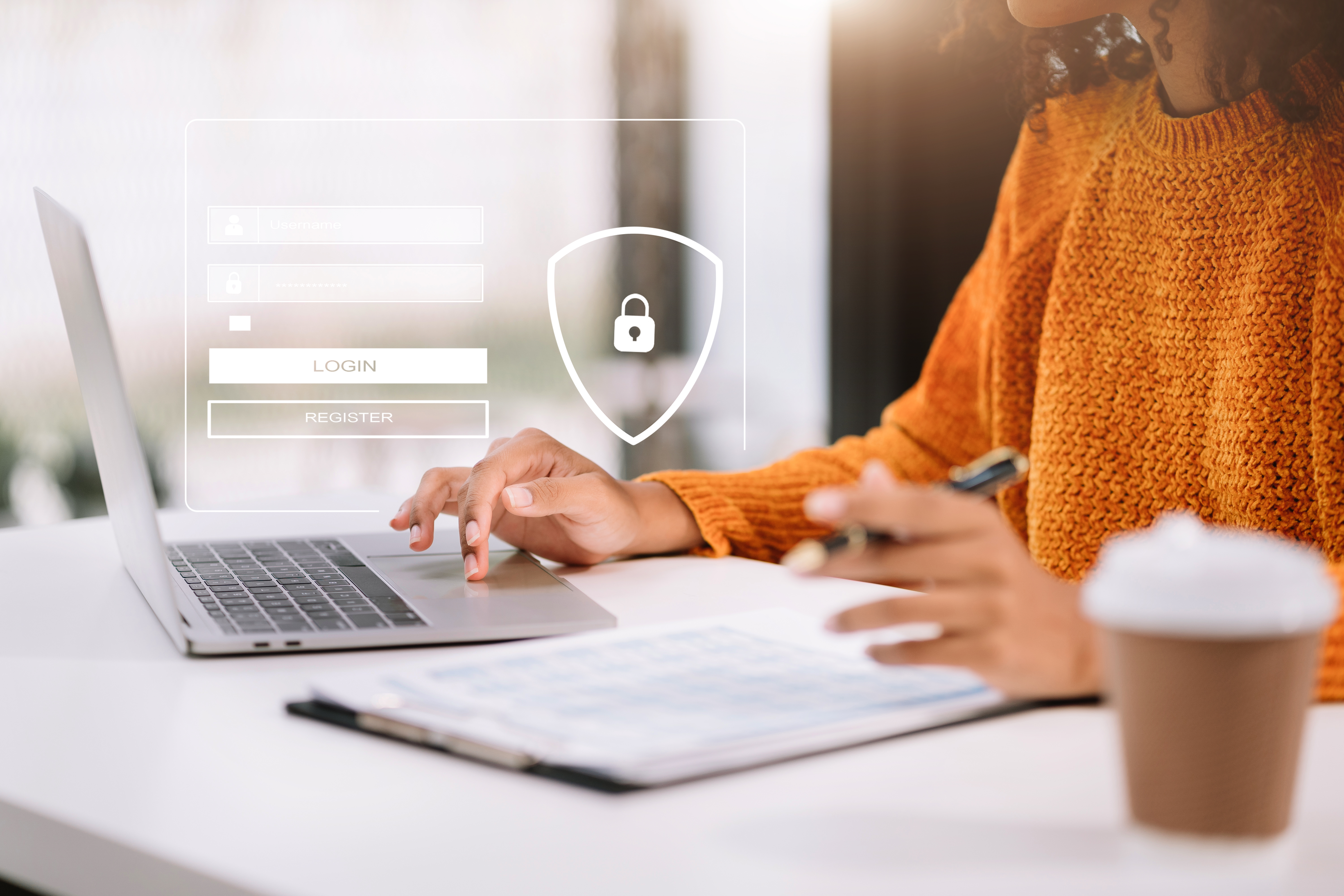
Security isn’t just about preventing breaches; it’s about building trust with your users. Let’s explore how to make your site a safe space.
SSL Certificates and Their Importance
An SSL certificate encrypts data between your server and users, making it harder for attackers to intercept. It’s like sending a letter in a sealed envelope rather than a postcard. SSL is essential for any site that collects personal information.
Google also favors sites with SSL, boosting your SEO. Without it, browsers may flag your site as unsafe, driving visitors away. Installing an SSL is straightforward and often provided by your hosting service. Don’t hesitate—this is a must-have!
Firewall Configurations
Firewalls act as gatekeepers, filtering out malicious traffic. They protect your site from common threats like SQL injections and cross-site scripting. Configuring a firewall might sound technical, but many solutions offer user-friendly interfaces.
Consider a Web Application Firewall (WAF). It’s like a bouncer at the club, letting in the good traffic and keeping the bad out. Many services, like Cloudflare, offer robust WAF solutions. When configured correctly, your firewall becomes a formidable defense line.
Regular Security Audits
Security audits are deep dives into your site’s vulnerabilities. They help you spot weaknesses before hackers do. Regular audits can be done quarterly or after significant changes to your site. During an audit, check for outdated plugins, improper access controls, and other common issues.
Consider hiring a professional to conduct these audits. They bring expertise and a fresh perspective. You wouldn’t skip a doctor’s check-up, so don’t skip this for your site! For a deeper dive into security practices, read this article on website security.
Here’s the key insight: the longer you wait to implement these practices, the more you risk losing. Protect your investment and ensure peace of mind by taking action today. To get personalized advice and further support in strengthening your website management, schedule a free consultation. Our team at Global Link Media LLC is ready to help you secure and optimize your online presence.