

Unlocking the Secrets to a Truly User-Friendly Website
Most websites lose visitors because they confuse users instead of helping them. If your site feels like a maze, you’re missing key elements that make a website truly user-friendly. In this post, you’ll learn what matters most in web design and how responsive design, SEO, and website optimization work together to keep visitors engaged and coming back. Learn more about building a user-friendly website here.
Key Elements of User-Friendly Design

When designing a website, keeping your visitors in mind is crucial. Let’s explore the essentials of a user-friendly design that keeps users on your page.
Clear Navigation Structures
Imagine entering a store with no signs. Confusing, right? That’s how it feels when users land on a site with poor navigation. Clear navigation structures are like the signs in a store, guiding users effortlessly to their desired sections.
Your main menu should be simple, with categories that make sense to your audience. For instance, a clothing store might use categories like “Men’s,” “Women’s,” and “Accessories.” Studies show that websites with straightforward navigation see a 20% increase in user engagement. So, if your site feels like a maze, it might be time to rethink its layout.
Start by asking: Can users find everything within three clicks? If not, simplify or reorganize. Tools like breadcrumbs can help, showing users exactly where they are on your site. Clear navigation is not just about aesthetics; it’s about guiding your users to where they want to go without frustration.
Intuitive User Interfaces
An intuitive user interface makes interaction natural. When users feel comfortable, they stay longer, increasing your conversion chances. But how do you achieve this?
First, keep it simple. Overloading your site with information or flashy graphics can overwhelm users. Consider your audience’s needs and design with them in mind. For example, a bakery website should have easy access to menus and contact info right from the homepage.
Use design elements like buttons and forms that look clickable. Familiar icons and consistent design patterns help users guess what to do next. Remember, 75% of users judge a site’s credibility based on its design. Make sure your interface speaks their language.
Importance of Responsive Design
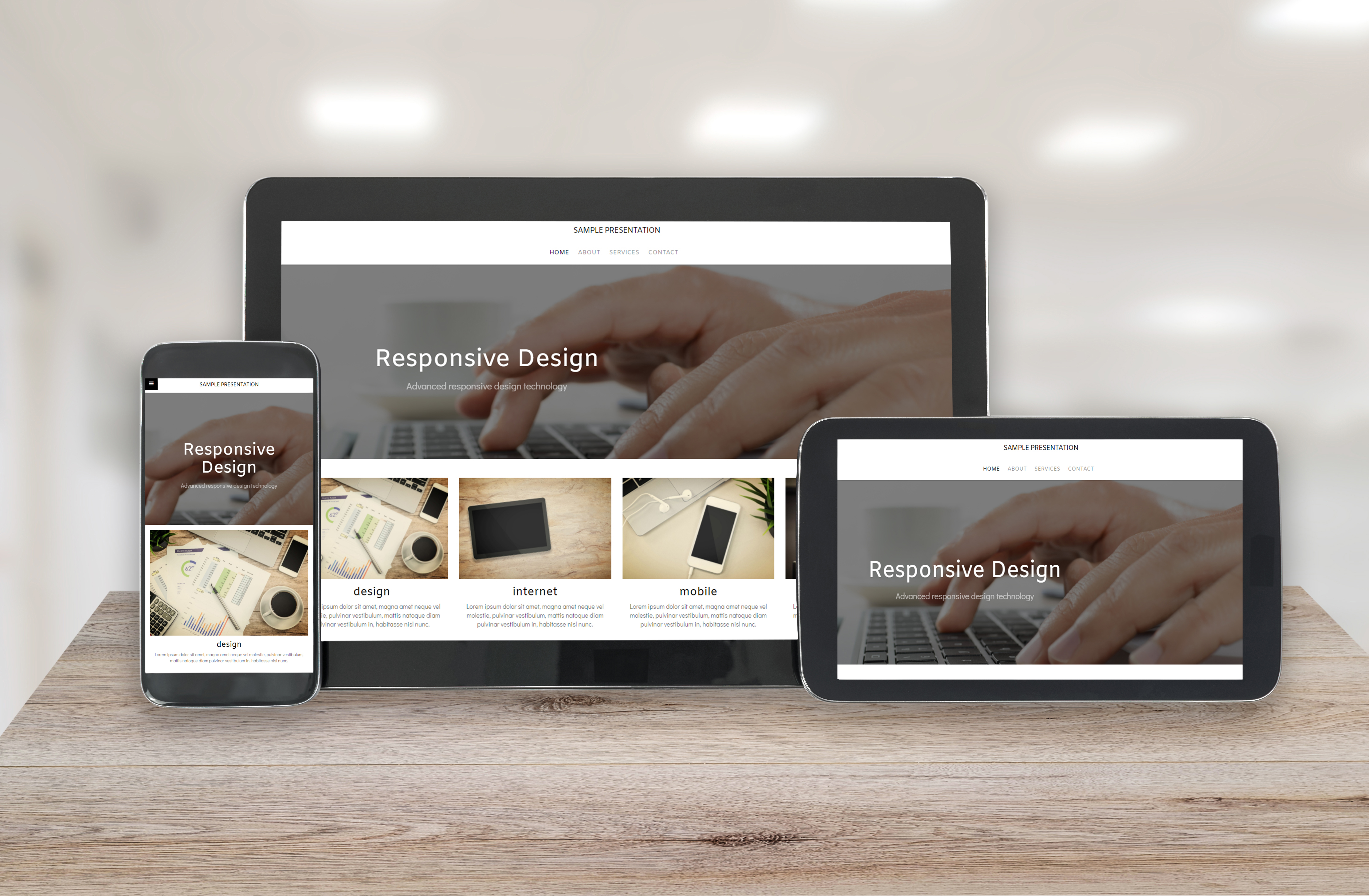
Now that we understand the fundamentals of a user-friendly design, let’s discuss responsiveness. It’s about making your site adapt beautifully to any screen size.
Mobile-Friendly Accessibility
Did you know more than half of global website traffic comes from mobile devices? If your site isn’t mobile-friendly, you might be losing a large audience. A mobile-optimized site loads quickly and looks good on any device, ensuring you don’t miss out on potential customers.
Why does this matter? People are impatient online. They won’t wait for a slow site or fumble through a layout not designed for their screen. A mobile-friendly design ensures your content shines, whether on a phone, tablet, or desktop.
Try this: check your site on different devices. Ask friends to do the same. Is everything readable? Are buttons easy to tap? If not, tweak your design for better mobile accessibility.
Enhancing User Experience Across Devices
A consistent experience across devices builds trust. Users appreciate when a site looks and works the same on their phone as it does on their laptop. This consistency can significantly enhance user satisfaction and retention.
Start by using flexible grids and images, which adjust to different screen sizes. Test your site across multiple devices to ensure a seamless transition from one to another. Remember, a consistent user experience can increase customer loyalty by up to 30%.
Let’s not forget accessibility. Ensure text is readable without zooming, and interactive elements are easy to use. Users will notice your attention to detail, making them more likely to return.
SEO and Digital Marketing Integration

With a user-friendly and responsive site, it’s time to make sure the right people find it. SEO and digital marketing are your keys to visibility.
Boosting Visibility with SEO
SEO is about making your site visible on search engines. But it’s not just about sprinkling keywords. It involves creating valuable content that answers your audience’s questions and provides solutions.
For example, if you run a gardening blog, writing about “easy tips for plant care” can attract visitors searching for that topic. Using keywords naturally in your content, like “user-friendly website,” can help improve your search ranking.
SEO isn’t a one-time task. Regularly update your content, optimize images, and ensure your site is fast and secure. With effective SEO, your website can rank higher, driving more traffic and potential customers your way.
Effective Digital Marketing Strategies
Once your site is optimized, it’s time to spread the word. Digital marketing can amplify your reach through various channels like social media, email, and more.
Start with your audience. Where do they hang out online? If they’re on Instagram, create eye-catching visuals. If they prefer LinkedIn, share insightful articles. Tailor your message to fit each platform.
Consider collaborating with influencers or running targeted ads. These strategies can introduce your brand to new audiences. Remember, the goal is not just to attract visitors but to engage them. Provide value through your content, and they’ll keep coming back.
The longer you wait to optimize your site, the more opportunities you miss. Embrace these strategies to turn your website into a powerful marketing tool.