
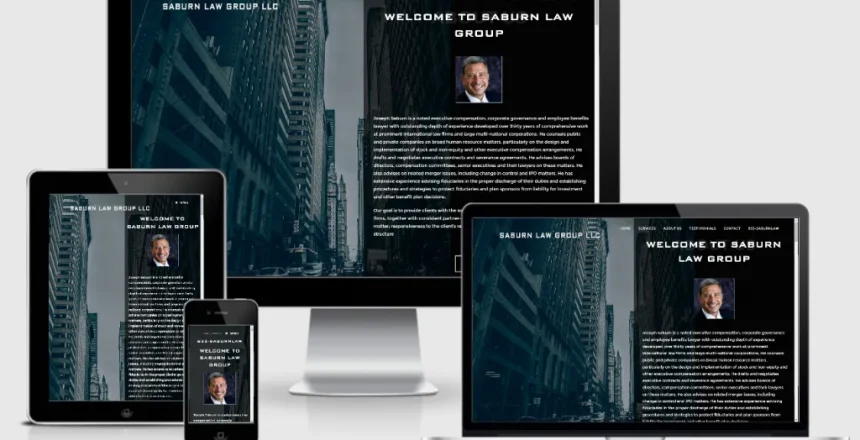
Most service business websites miss the mark on what really builds trust online. Visitors don’t just want to see your services—they want clear proof you can deliver and easy ways to take action. In this post, you’ll find the 12 essentials every service business website needs to turn visitors into customers, including smart design tips and tools that work around the clock. Let’s make your website a lead-generating machine, starting now. Learn more here.
Building Trust Online
Establishing trust is the foundation of any successful service business website. Here’s how to create a trustworthy online presence.
Powerful Testimonials and Reviews
Showing your expertise through testimonials can be a game changer. When potential clients read glowing reviews from past customers, they feel assured choosing your services. Imagine a visitor landing on your site and seeing a heartfelt testimonial from a satisfied client. This instantly builds credibility.
To make the most of testimonials, choose ones that highlight specific outcomes. Did you help a business increase sales by 30%? Did a client rave about your fast response time? Share these stories. Also, encourage customers to leave reviews on platforms like Google Business Profile to boost your online reputation. Discover more about using reviews effectively.
Transparency with Pricing and Policies
Clear pricing and policies help set expectations. No one likes hidden fees or surprises. Share your pricing structure openly on your website, and detail your service policies. This transparency can prevent misunderstandings and build trust.
Consider a “Pricing” page that outlines all costs, including optional extras. This way, visitors know what to expect and can make informed decisions. Also, make sure your policies, like cancellation terms or refunds, are easily accessible. This openness strengthens trust and encourages potential clients to take the next step.
Trust Badges and SSL Security
Displaying trust badges and having SSL security is essential. These elements signal that your site is safe and reliable. When visitors see these badges, they feel more secure sharing their information with you.
Ensure your website is encrypted with SSL, which you can identify by the padlock symbol in the address bar. Also, display trust badges from recognized organizations, such as BBB accreditation or industry-specific certifications. These elements reassure visitors that your site is legitimate and trustworthy. Learn more about creating a trustworthy website here.
Driving Action with Conversion Elements
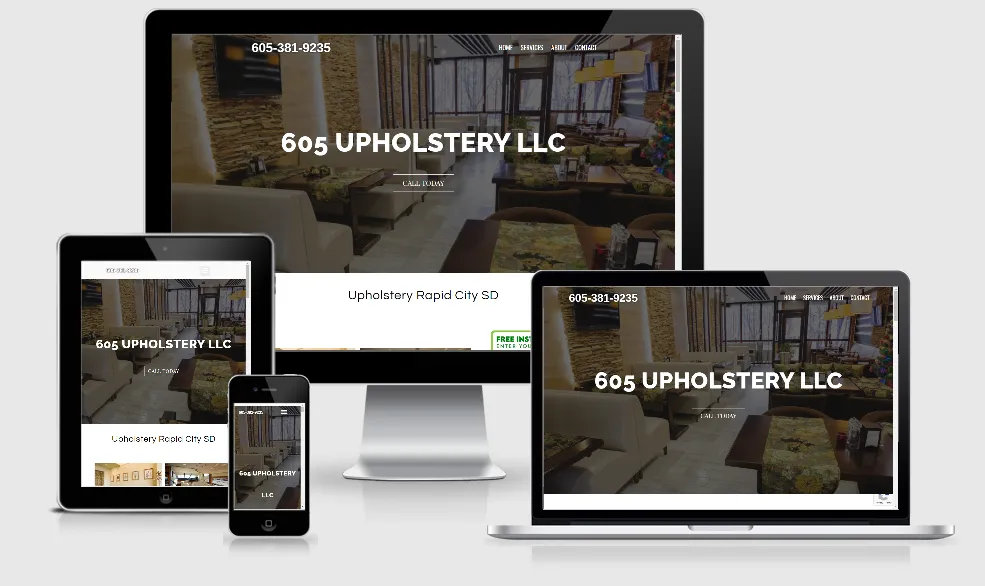
Once trust is established, the next step is to encourage visitors to take action. Here’s how to optimize your site for conversions.
Effective Calls to Action
A well-crafted call to action (CTA) is crucial for driving conversions. Your CTAs should be clear, compelling, and easy to find. Whether you want visitors to book a consultation, request a quote, or download a guide, your CTA should guide them effortlessly.
Use action-oriented language and highlight the benefits of taking that step. For example, instead of “Submit,” use “Get Your Free Quote Now.” Make sure your CTAs stand out visually, using contrasting colors or bold text to draw attention.
Online Booking and Live Chat Options
Offering online booking and live chat options makes it easy for visitors to connect with you. These tools are especially important in today’s fast-paced world, where convenience is key. A visitor may browse your site after hours, and having a chatbot ready to answer questions can make all the difference.
Implement an online booking system that syncs with your calendar, allowing clients to schedule appointments directly. Additionally, a live chat feature enables immediate interaction. You can use AI chatbots to provide instant responses, keeping potential leads engaged even when you’re not available.
Lead Capture Forms and Follow-up
Capturing leads is vital for growing your customer base. Use lead capture forms strategically throughout your site to gather contact information. Once a visitor fills out a form, have a follow-up system in place.
Automate follow-up emails or messages to nurture these leads. Provide valuable information or special offers to keep them interested. This proactive approach shows you care about their needs and are ready to assist.
Local SEO and Technical Essentials

Optimizing your website for local SEO and ensuring technical excellence can boost your visibility and user experience.
Service Area Pages and Google Business Profile
Service area pages and a well-maintained Google Business Profile can enhance your local SEO efforts. This ensures your business appears in local search results when potential clients are looking for services you offer.
Create dedicated service area pages that detail the locations you serve, and include relevant keywords naturally. Regularly update your Google Business Profile with accurate information and encourage reviews to maintain an active presence.
Website Speed and Mobile-friendly Design
Website speed and mobile-friendliness are critical for user satisfaction. A fast-loading site keeps visitors happy, while a mobile-friendly design ensures accessibility on all devices.
Optimize images and use a reliable hosting service to improve load times. Test your website on various devices to ensure it’s responsive. Ensuring a smooth experience for visitors, regardless of their device, can significantly reduce bounce rates.
Accessibility and Schema Markup
Making your website accessible to all users, including those with disabilities, is crucial. Implement accessibility features like alt text for images, keyboard navigation, and screen reader compatibility.
Additionally, use schema markup to enhance search engines’ understanding of your content. This can improve your site’s visibility in search results. By focusing on accessibility and schema, you make your website more inclusive and easier for search engines to index.
Frequently Asked Questions
How can I build trust with online reviews?
Online reviews can greatly enhance trust. Encourage satisfied customers to leave reviews on platforms like Google or Yelp. Highlight these reviews on your site to show social proof.
What is the importance of having a mobile-friendly website design?
A mobile-friendly design ensures your website looks and functions well on all devices. With more people browsing on smartphones, a responsive site improves user experience and reduces bounce rates.
How do I ensure my website is secure?
Ensure your site has SSL encryption, indicated by a padlock symbol in the browser. Display trust badges to further reassure visitors of your site’s safety.
What role do service area pages play in local SEO?
Service area pages improve your visibility in local search results. They detail the locations you serve, helping potential clients find you when searching for services in their area.
Why are lead capture forms important?
Lead capture forms help gather contact information from potential clients. This allows you to follow up and nurture leads, increasing the chances of conversion.