
Your service business website should do more than just look good—it needs to make it easy for visitors to become customers. If your site feels clunky or confusing, you’re missing out on inquiries every day. This guide breaks down how to reduce friction with clear calls to action, speedy loading, and smart tools like chatbots and booking automation to increase inquiries without extra work. Let’s build a website that works as hard as you do. Learn more about fixing friction in website design.
Crafting a Conversion-Focused Web Design
Creating a website that turns visitors into customers starts with design. A conversion-focused web design does more than look good; it guides users to take action.
Importance of Mobile-First Design
Your customers are on their phones. This means your website must be mobile-friendly to capture their interest. A mobile-first design ensures that your site is easy to navigate on any device. This approach doesn’t just adjust the size of your site; it restructures content to make it easy to read and interact with on smaller screens. When users can quickly find what they need, they’re more likely to reach out or make a purchase.
Speed and Schema Markup Essentials
A slow website can frustrate visitors. In fact, a delay of just one second in page response can reduce conversions by 7%. Improving your website speed is crucial. Tools like image compression and browser caching can help. Additionally, schema markup is key to making sure search engines understand your content. This helps your site appear in relevant search results, increasing visibility and potential inquiries.
Clear Calls to Action
Every page on your website should have a clear next step for users. Calls to action (CTAs) guide visitors towards making contact or purchasing. Use action-oriented language and make sure your CTAs stand out visually. For instance, “Get a Free Quote” or “Book Your Service Now” can be effective prompts. When users know exactly what to do next, they’re more likely to move forward.
Building Trust and Credibility
Once potential customers are on your site, trust is essential. Building credibility can make visitors feel confident in choosing your service.
Utilizing Testimonials and Reviews
Real feedback from past customers can be a powerful trust-builder. Testimonials and reviews provide social proof that your business delivers on its promises. Highlight positive experiences prominently on your site. This not only builds trust but also answers potential questions new visitors may have about your service quality.
Enhancing Trust Signals with Social Proof
Social proof goes beyond reviews. It involves showcasing any awards, certifications, or partnerships your business has. These trust signals assure visitors of your credibility. Include logos of well-known partners or feature stories of your work in the community. When visitors see others trust you, they’re more likely to do so as well.
Google Business Profile Optimization Steps
Optimizing your Google Business Profile can significantly increase your credibility. Ensure your profile is complete with accurate business information, open hours, and photos. Encourage satisfied customers to leave reviews. A well-maintained profile appears more trustworthy to potential customers searching online.
Streamlining Communication and Follow-Up

Effective communication is key to converting inquiries into customers. Streamlining this process can save you time and increase satisfaction.
Effective Use of Website Chatbots
Chatbots are an excellent tool for providing instant responses to common questions. By using website chatbots, you can offer 24/7 support without extra staff. This immediate interaction can keep visitors engaged long enough to make a booking or inquiry. Most people expect fast answers, and chatbots help you deliver just that.
Contact Form and Online Booking Automation
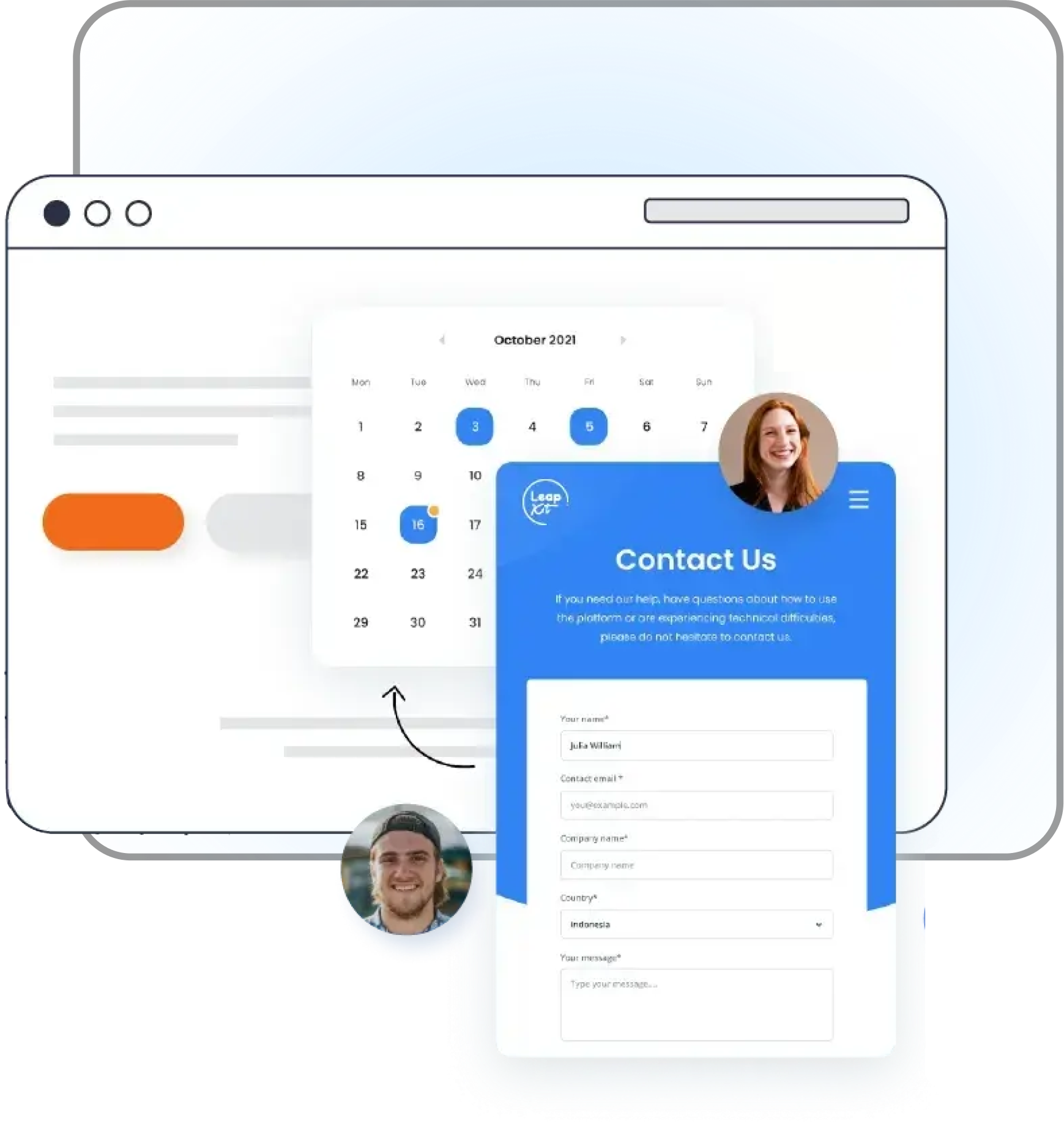
Simplifying the process of reaching out is crucial. Ensure your contact forms are easy to find and fill out. Integrating online booking automation allows customers to schedule appointments without waiting for a callback. This immediacy can be the difference between securing a lead and losing them to a competitor.
CRM and Call Tracking Integration
Integrating a CRM system with call tracking helps you keep track of customer interactions. This integration ensures no inquiry falls through the cracks. It allows you to follow up efficiently and understand where leads are coming from. Knowing which marketing efforts are working can help you focus your resources more effectively.
Frequently Asked Questions
1. Why is mobile-first design important for my website?
Mobile-first design ensures your website works well on smartphones. Since most people use their phones to browse, a mobile-friendly site keeps them engaged, leading to more inquiries.
2. How can I improve my website’s speed?
Improve speed by compressing images, using browser caching, and minimizing code. Fast websites keep visitors interested, reducing bounce rates and increasing the chance of conversions.
3. What are some effective calls to action for my service website?
Effective CTAs include phrases like “Book Your Free Consultation” or “Get a Free Estimate.” They should be clear, visible, and encourage immediate action from visitors.
4. How do testimonials and reviews build trust?
Testimonials and reviews show real customer experiences, proving your services are reliable. They give new visitors confidence in your business, boosting your credibility.
5. Why should I use chatbots on my website?
Chatbots provide instant answers to visitor questions, keeping them engaged. They offer 24/7 support, helping you capture more leads even outside business hours.
For further insights on optimizing your website for customer satisfaction, explore this guide on improving user experience.